Conditional Logic

$25.00

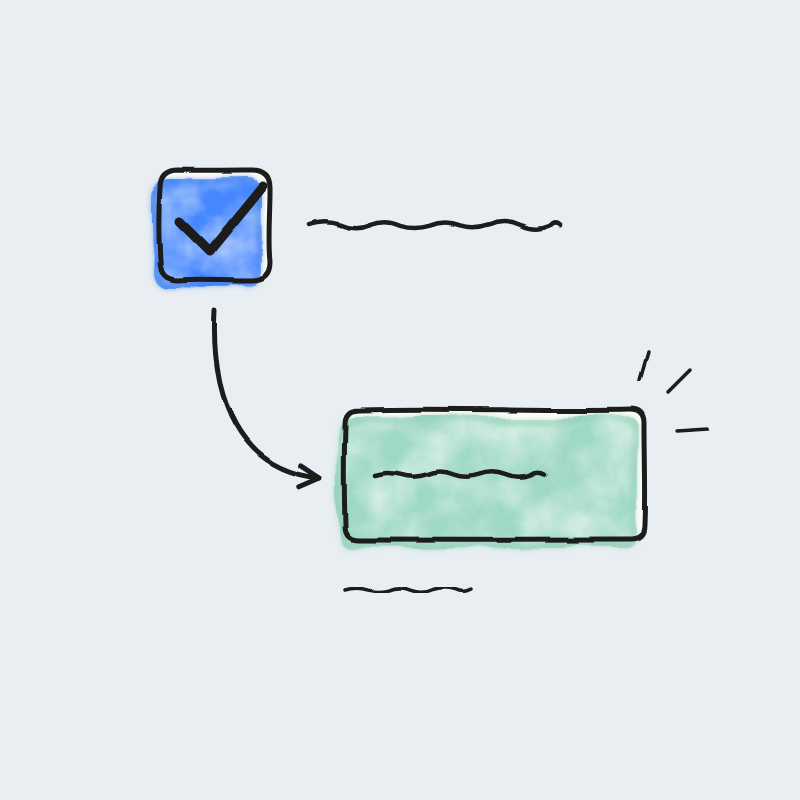
This product shows examples of different conditions for fields and groups. Trigger the group condition by entering 50 in the ‘Number of guests’ field in the ‘Number’ section.

You can also choose to enable/disable fields instead of showing/hiding them.
Checkboxes & Radios

Tick a checkbox or pick a radio option to reveal related fields. The last field uses "any" matching: it shows if gift wrapping is ticked OR Next Day delivery is chosen.

  • Tick this to show the wrapping paper and gift message fields

  • Wrapping paper *

    Shown when gift wrapping is ticked

  • Gift message *

    Shown when gift wrapping is tickedMax: 100 characters

  • Delivery *

    Choose anything other than Standard to show delivery instructions

  • Delivery instructions *

    Shown when Delivery is not Standard

  • Shown if gift wrapping is ticked OR Delivery is Next Day (match any)

Text Fields

Conditions based on what the customer types: an exact value, or whether a field is empty.

  • Promo code *

    Type VIP (in capitals) to unlock a free upgrade

  • Shown when the promo code is exactly VIP

  • Engraving text * $5.00

    Type anything here to choose an engraving font

  • Engraving font *

    Shown when Engraving text is not empty

Number Fields

Number conditions use Equals, Greater Than, Less Than, >= and <=. Enter 50 or more guests to reveal the Large Event tab.

  • Number of guests *

    Try 3, 12, 25 and 50 to see different fields appearMin: 1Max: 200

  • Shown when guests are less than or equal to 4 (<=)

  • Shown when guests are greater than 10

  • Buffet style *

    Shown when guests are between 10 and 30 (>= 10 AND <= 30)

  • Group booking name *

    Shown when guests equal exactly 25

  • Shown when the product quantity is 5 or more

Large Event

This whole tab is controlled by a group condition: it only appears when Number of guests (on the Number Fields tab) is 50 or more.

  • Stage size *

Swatches

Swatch conditions: a single-choice swatch uses Is / Is Not, a multiple-choice swatch uses Contains / Does Not Contain.

  • Colour *

    Choose Red or Blue to pick a shade

  • Shade of red *

    Shown when Colour is Red

  • Shade of blue *

    Shown when Colour is Blue

  • Shown when Colour is not Green - green is eco-friendly already

  • Patterns *

    Select one or more. Choose Stars to set the number of stars

  • Number of stars *

    Shown when Patterns contains StarsMin: 1Max: 20

Chained Conditions

Each field depends on the one before it. Change an earlier answer and every field further down the chain hides again.

  • Add a custom frame? *

    Step 1 - choose Yes

  • Frame material *

    Step 2 - shown when a frame is added. Choose Wood

  • Wood type *

    Step 3 - shown when the material is Wood. Choose Walnut

  • Step 4 - shown when the wood type is Walnut

  • Initials to carve *

    Step 5 - shown when hand-carved detail is tickedMax: 3 characters

Product total

Options total

Grand total

Category: